Android · In developmentIn development

A mini-app for what you need. A Space you keep.

Intent Space turns plain-language intent into a persistent, private mini-app on your phone. The space of purposes is open-ended. The space of execution authority is bounded.

01 / TODAY

What exists today

Local state and reviewed capabilities.

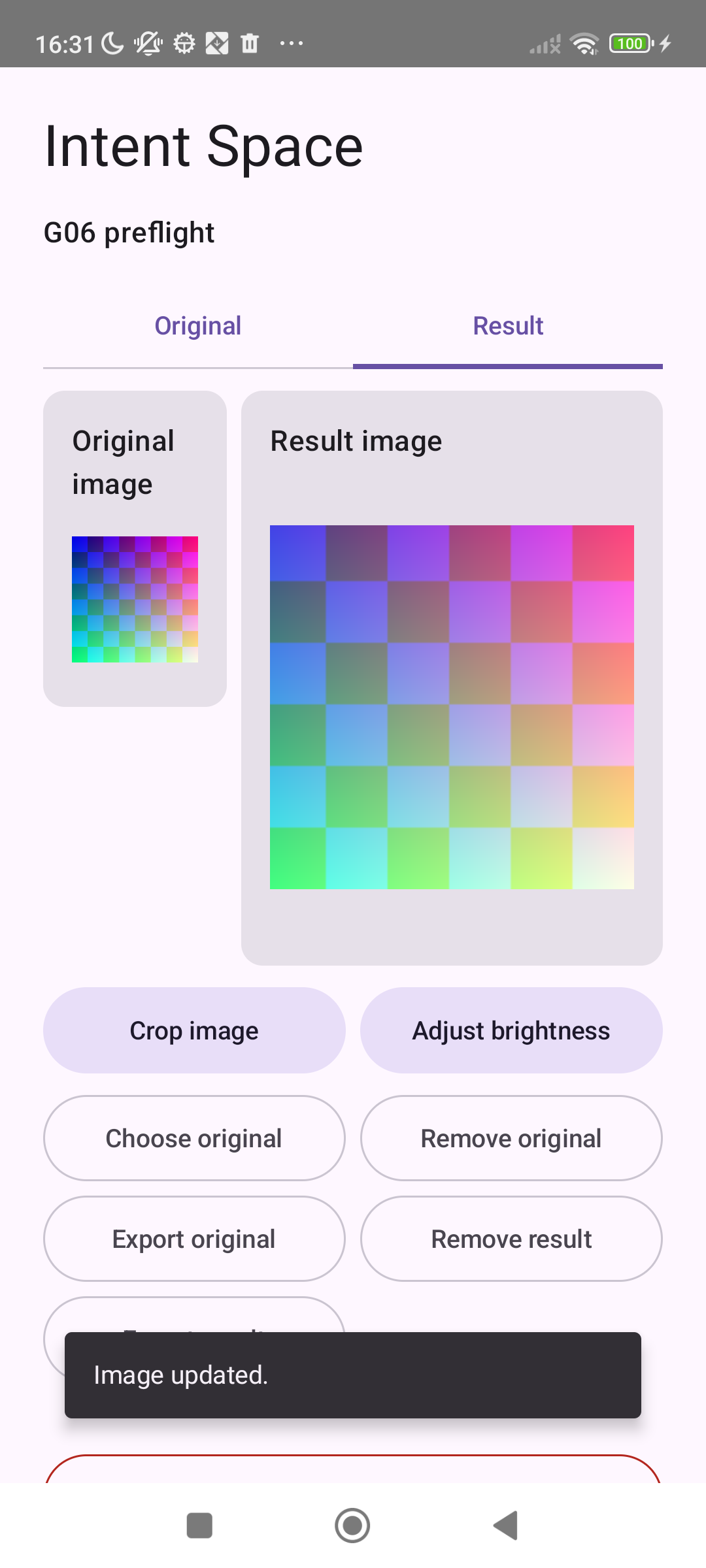
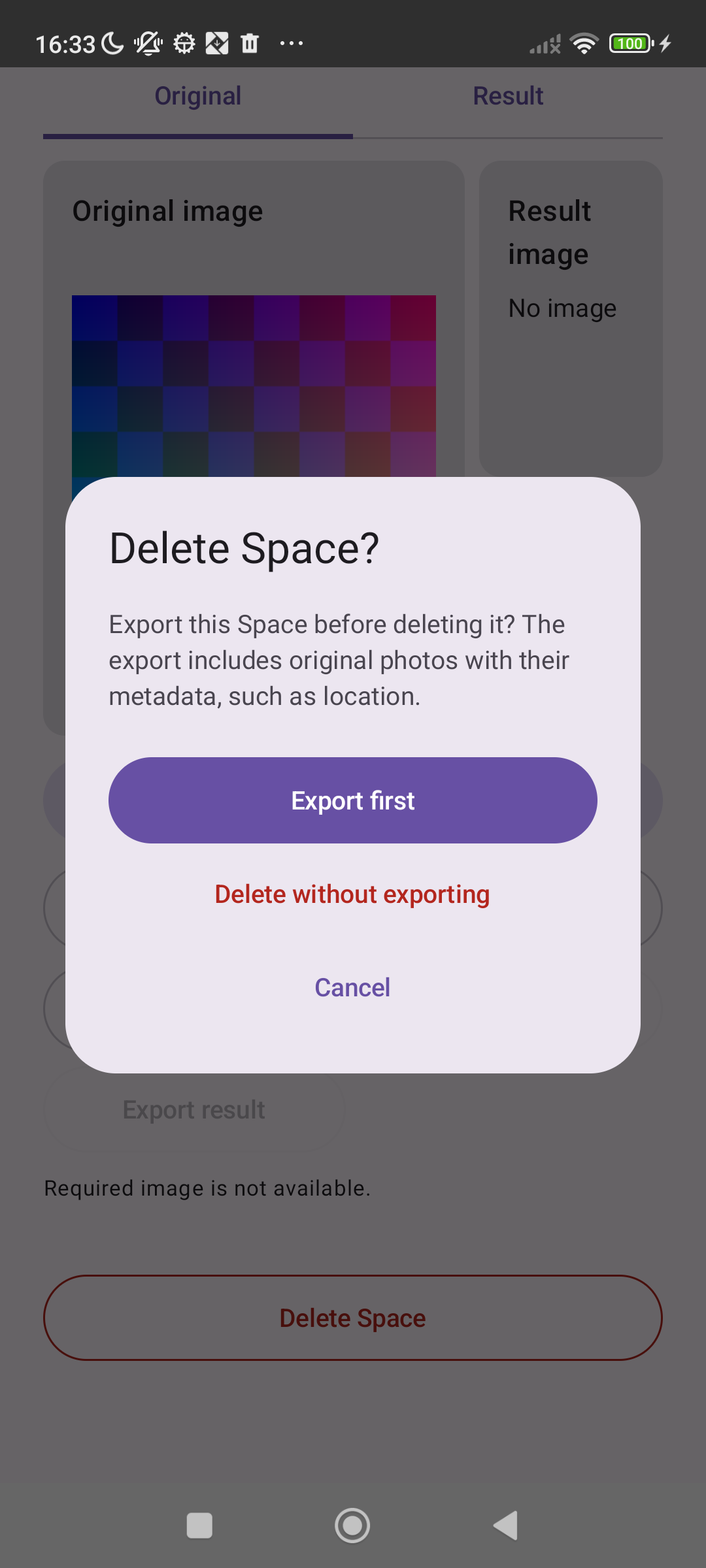
The Android app foundation includes persistent record Spaces. Image Spaces in debug builds support import, crop, brightness, per-image export, removal and Space deletion. Import, crop, brightness, export and deletion have been exercised on a real Redmi with synthetic images.

Image Spaces are not enabled for production users. These debug paths and screenshots do not establish support for every camera format, complete accessibility or every generated purpose.

Your data, on your device

Space records and image bytes stay on the phone. Export is an explicit user action; original-photo export discloses that metadata such as location may be included. In a debug phone check, confirmed Space deletion left zero owned image bytes.

Creating a Space uses a remote model for your plain-language intent. That is separate from keeping record and photo data locally; images are not sent to the intent-to-plan model by this image workflow.
01 / INTENT → SPACE

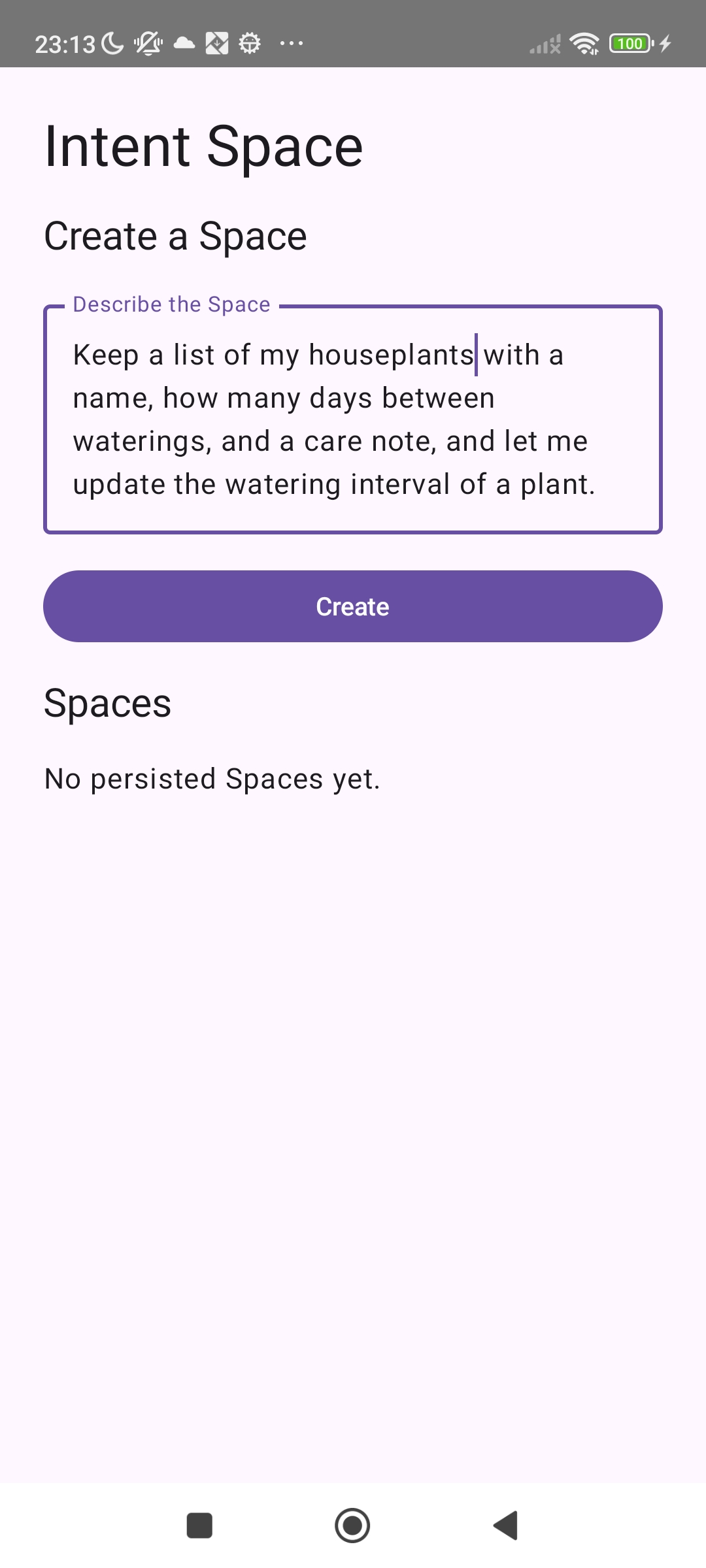
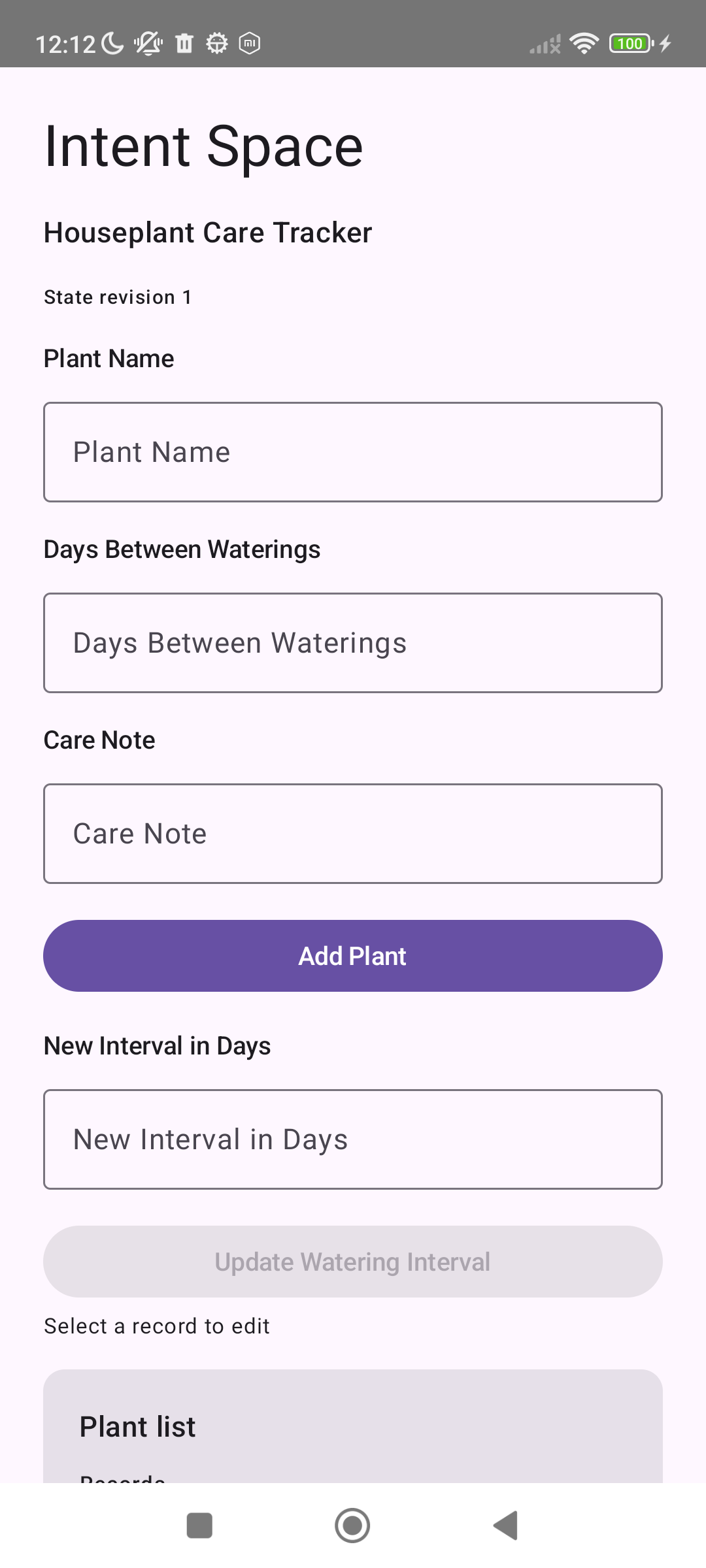
Intent → Space, on a real phone

A typed intent, a generated native Space, and real interaction.

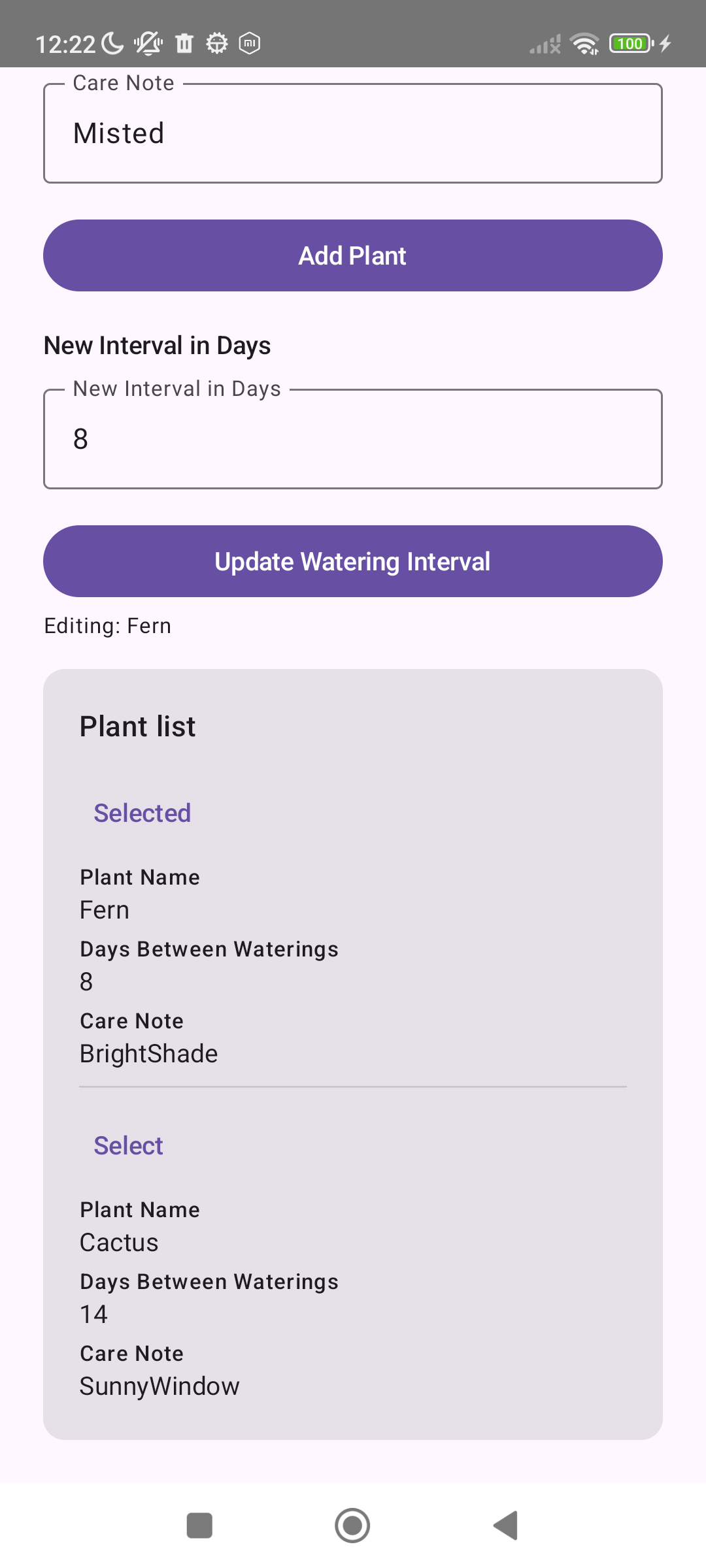
Real Android phone screenshots. Development builds, with sample data.

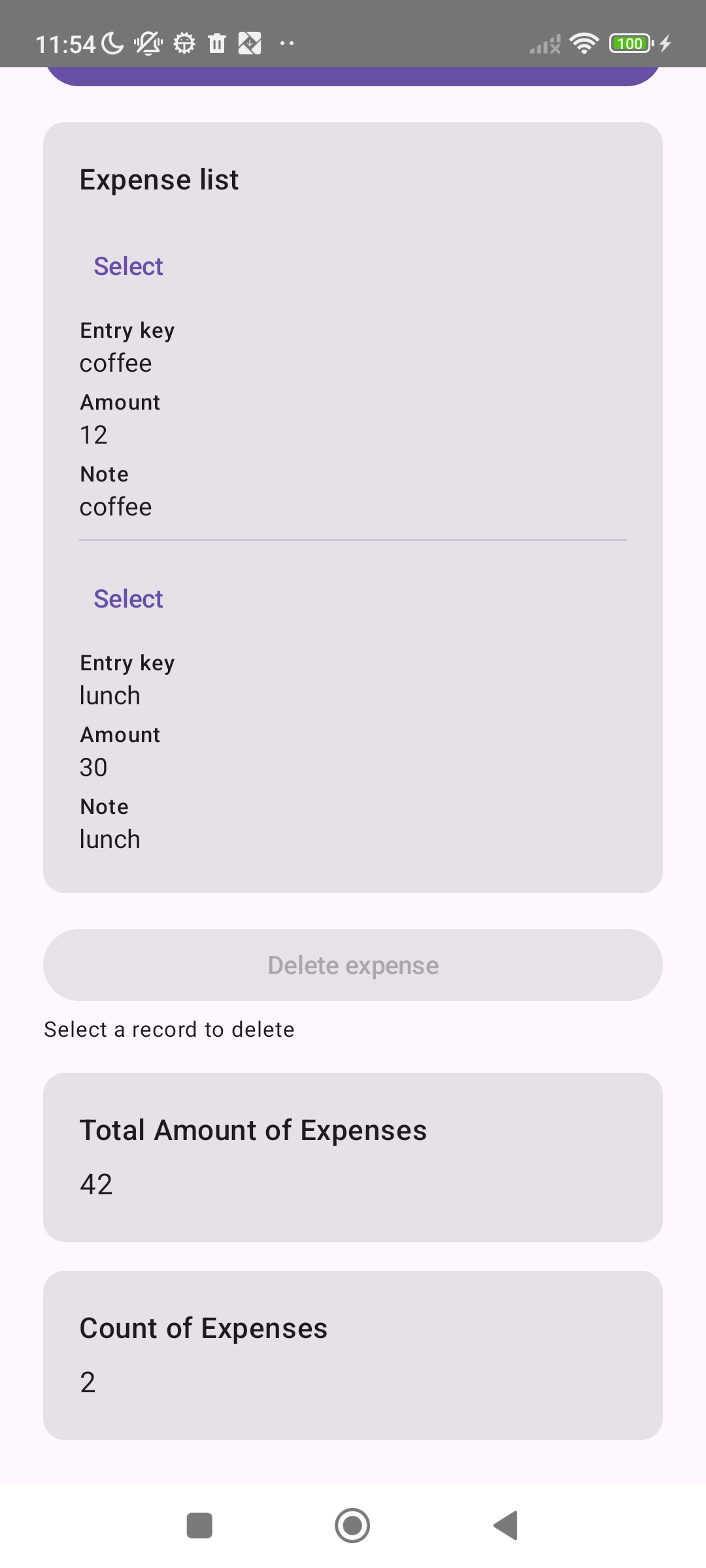
Expense Space with coffee 12 and lunch 30, Total Amount of Expenses 42 and Count of Expenses 2.
An expense Space with sample data.
04 / ANOTHER PURPOSE

An expense Space, with totals

Track my expenses with amount and note. Show the total amount and the number of expenses. Let me delete an expense.

Two example expenses — coffee 12 and lunch 30 — produce Total 42 and Count 2.

02 / ON DEVICE

A real phone, an honest snapshot

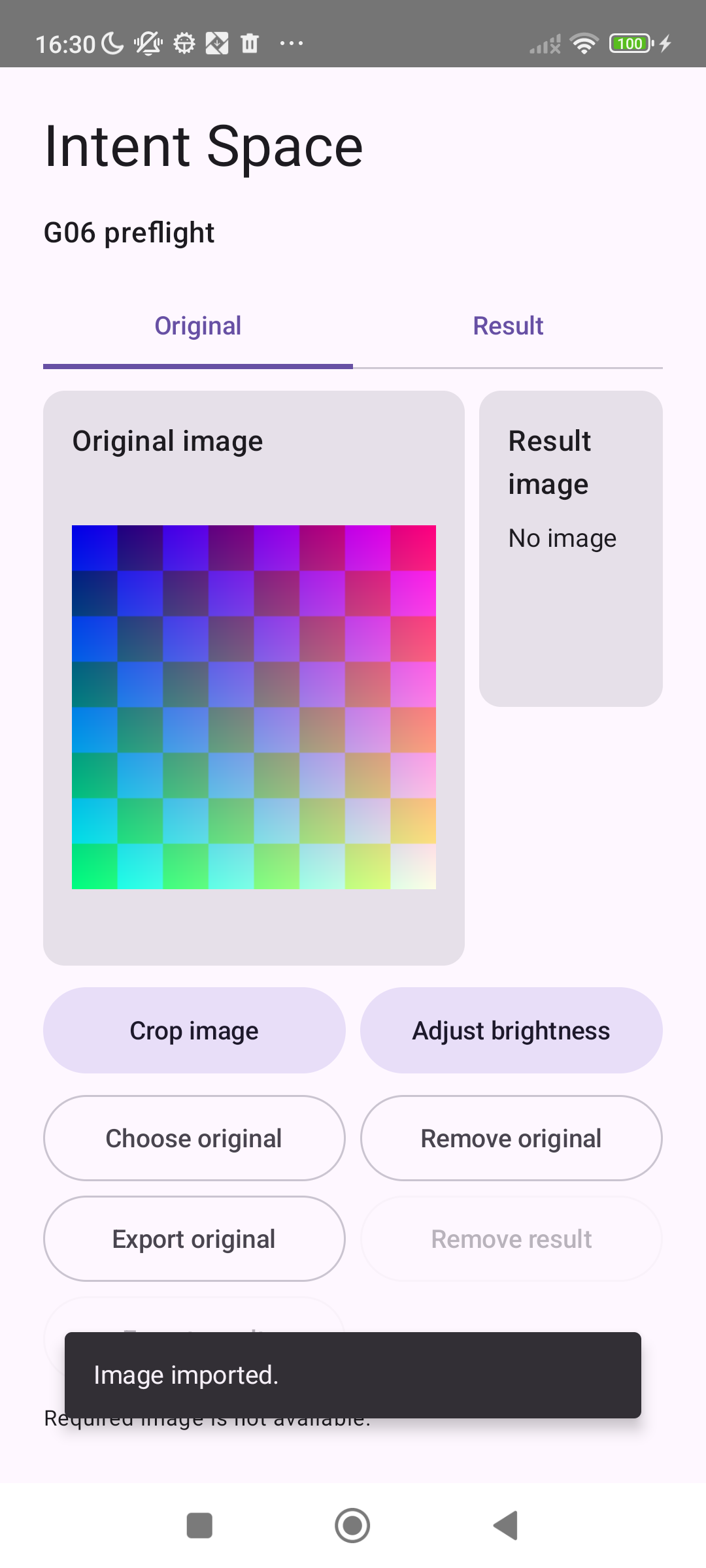
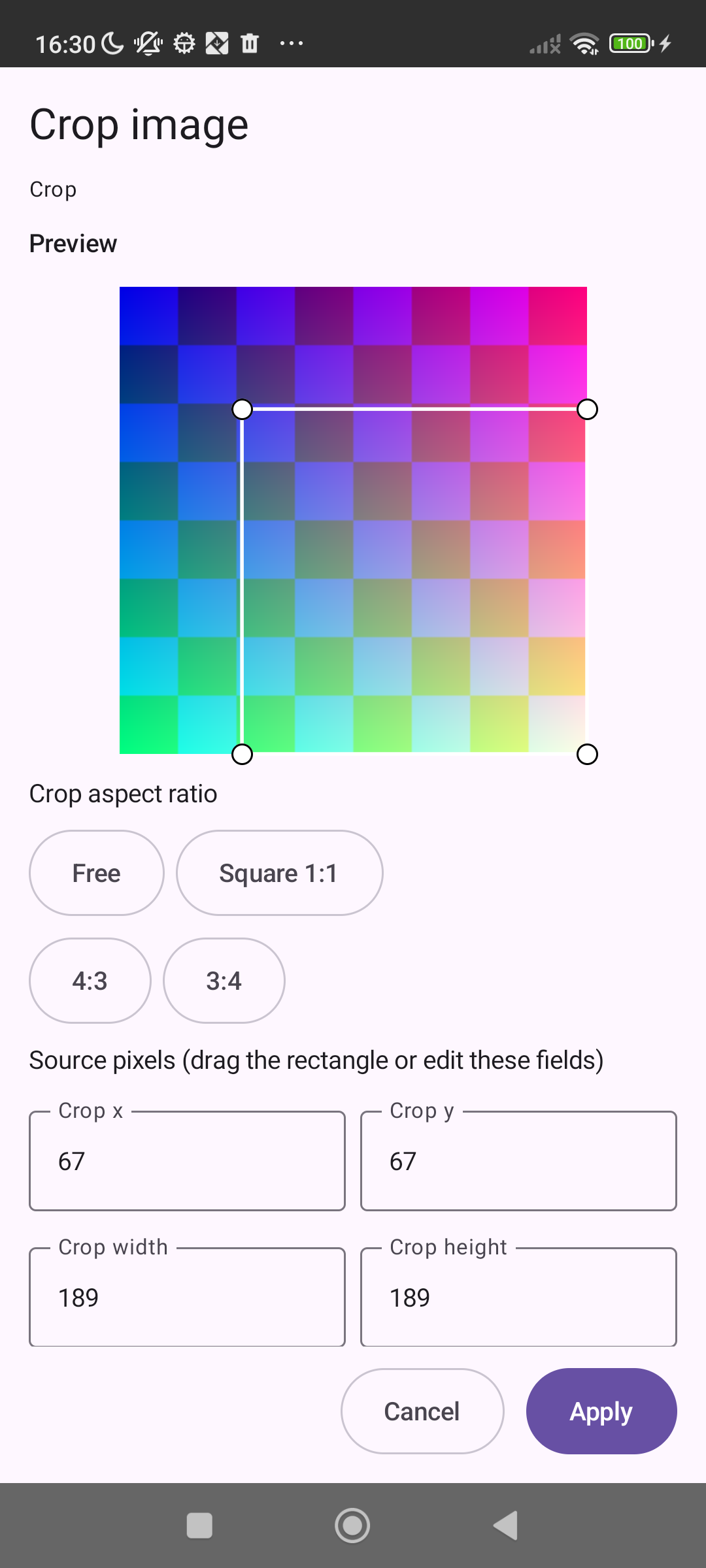
Android debug build, image Space (in development)

Real Android phone screenshots, October 2026, using only a synthetic test image. Production image Spaces are not yet enabled.

The captures retain the UI from that test build; they are not a demonstration of every feature in the latest debug code.

03 / PURPOSES

One path, different purposes

Profile photos and receipt images are first development purposes.

Crop and resize a profile photo, or crop a receipt image and adjust brightness. These are uses of the same closed image capability set, not arbitrary generated programs. Proposed settings must still be admitted against the actual source image.

OCR, automatic face detection and unrestricted background processing are not current claims. Native behavior and useful end-to-end generated experiences remain under verification.

Read the execution boundary →